Starting today, you can run Aural interviews from your pocket. The Aural Android app is live on Google Play, and it's free to download.
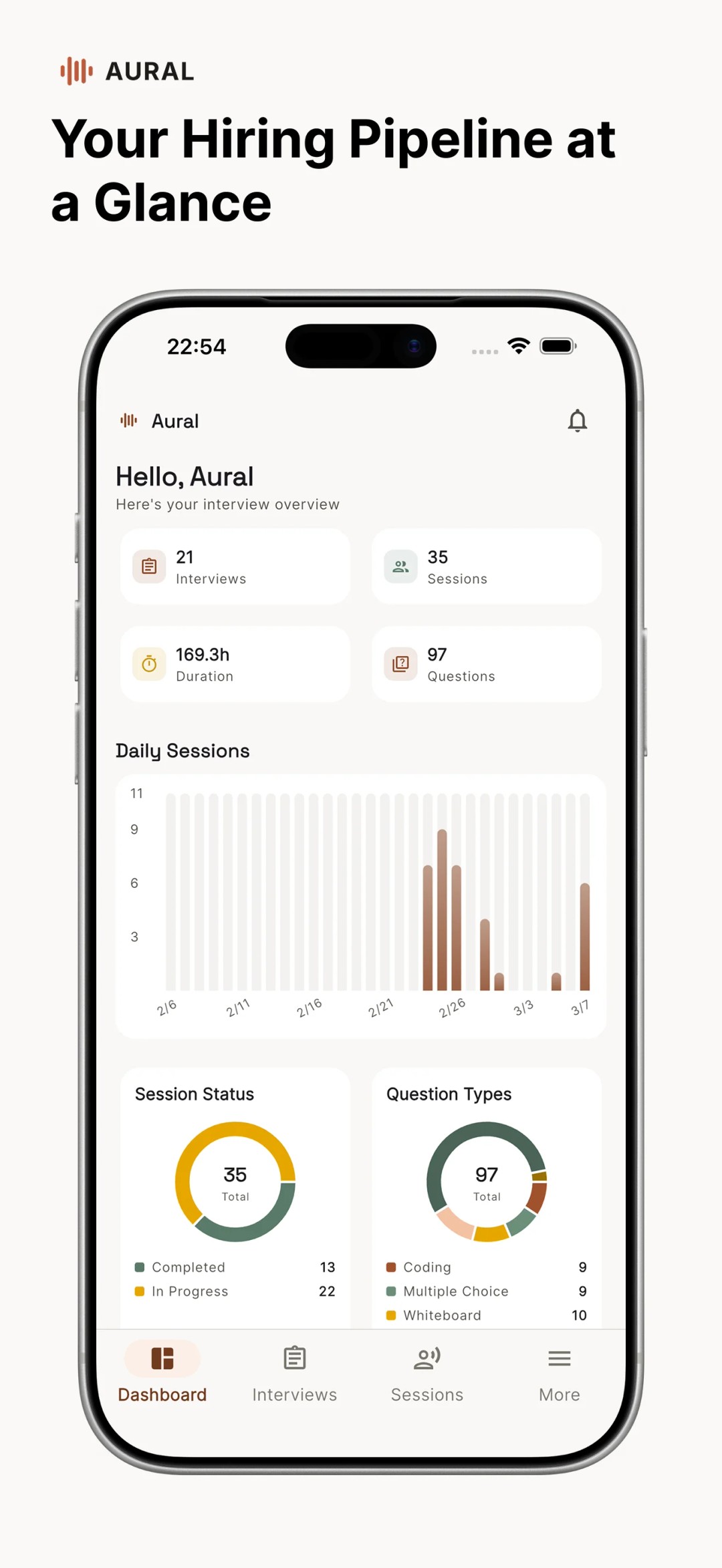
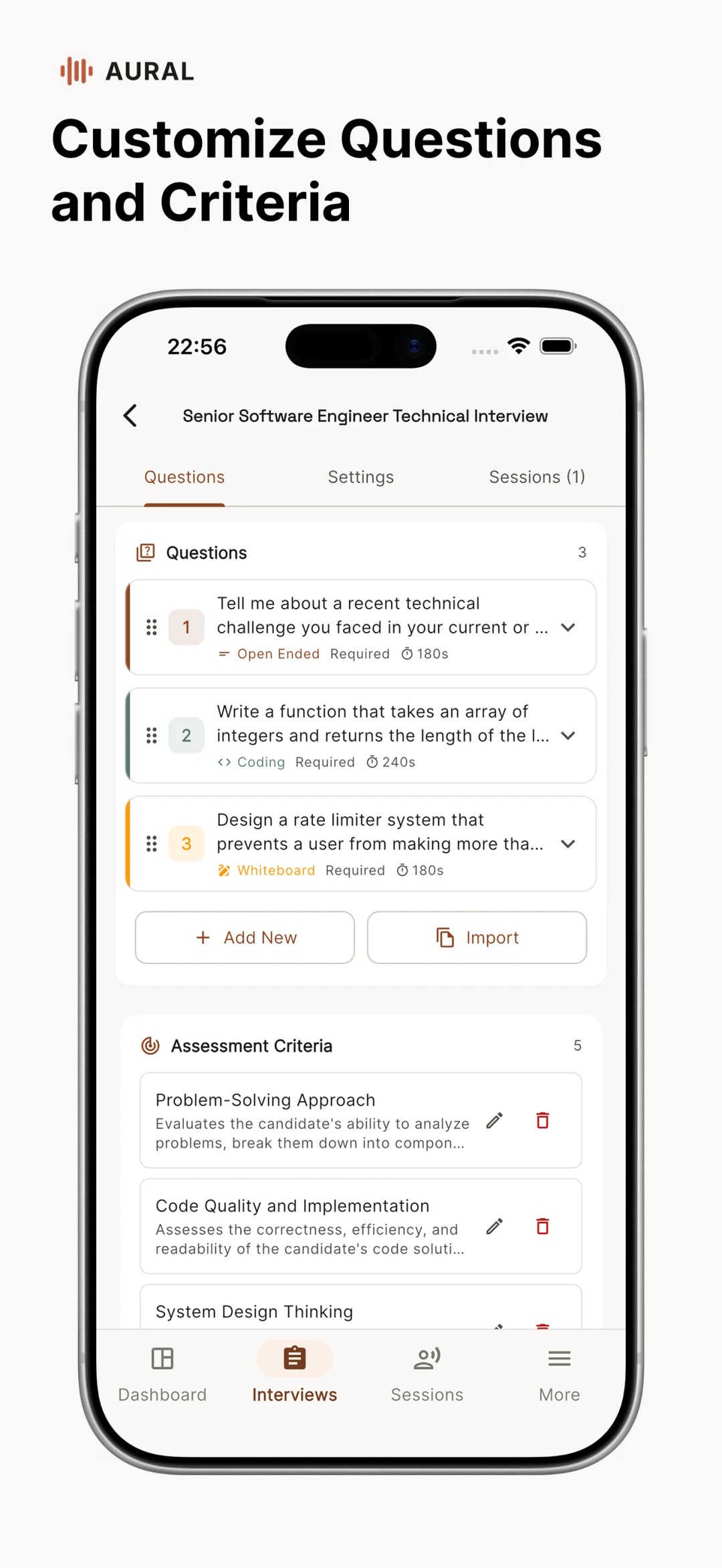
This isn't a companion app or a stripped-down viewer. It's the full Aural interview experience — creating interviews, sharing links, conducting sessions with AI, and reviewing results — rebuilt natively for mobile.
Why Mobile Matters
We kept hearing the same thing from users: “I want to check candidate results between meetings” or “Can I run a quick practice interview from my phone?” The browser works on mobile, but a native app is a fundamentally better experience — faster navigation, push notifications, and an interface designed for touch.
For candidates, mobile access removes one more barrier. They can open an interview link on their phone and jump straight in, no laptop required. That's especially valuable for high-volume hiring or field research where respondents are on the go.
What You Can Do on Mobile
Everything you'd expect from the web platform, adapted for a smaller screen:
- Create and manage interviews — set up new interviews, customize questions, and adjust settings from your phone.
- Share with a tap — copy interview links or send email invites directly from the app.
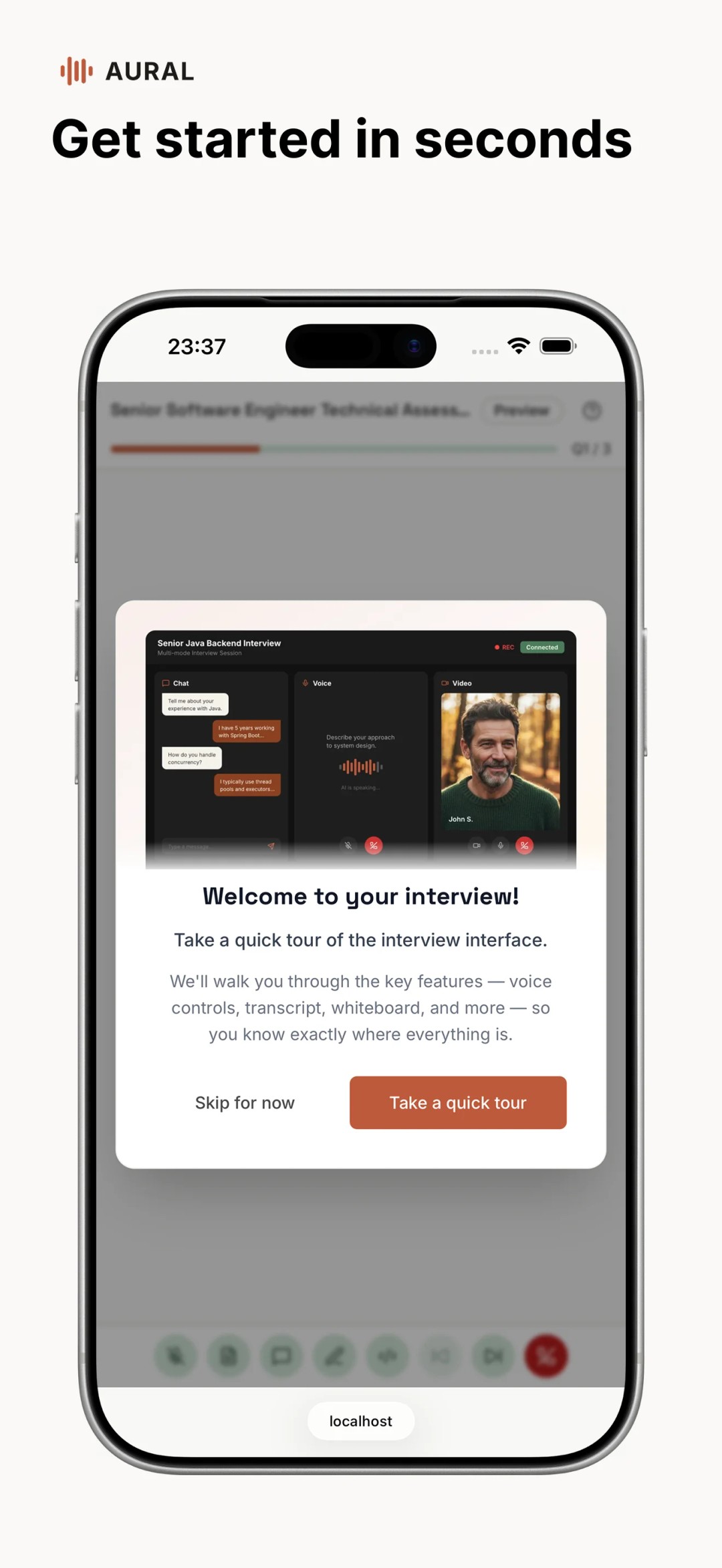
- Conduct AI-powered sessions — candidates (or you, for practice) can complete interviews through chat, voice, or video right on the device.
- Review results on the go — read transcripts, check scores, and compare candidates wherever you are.
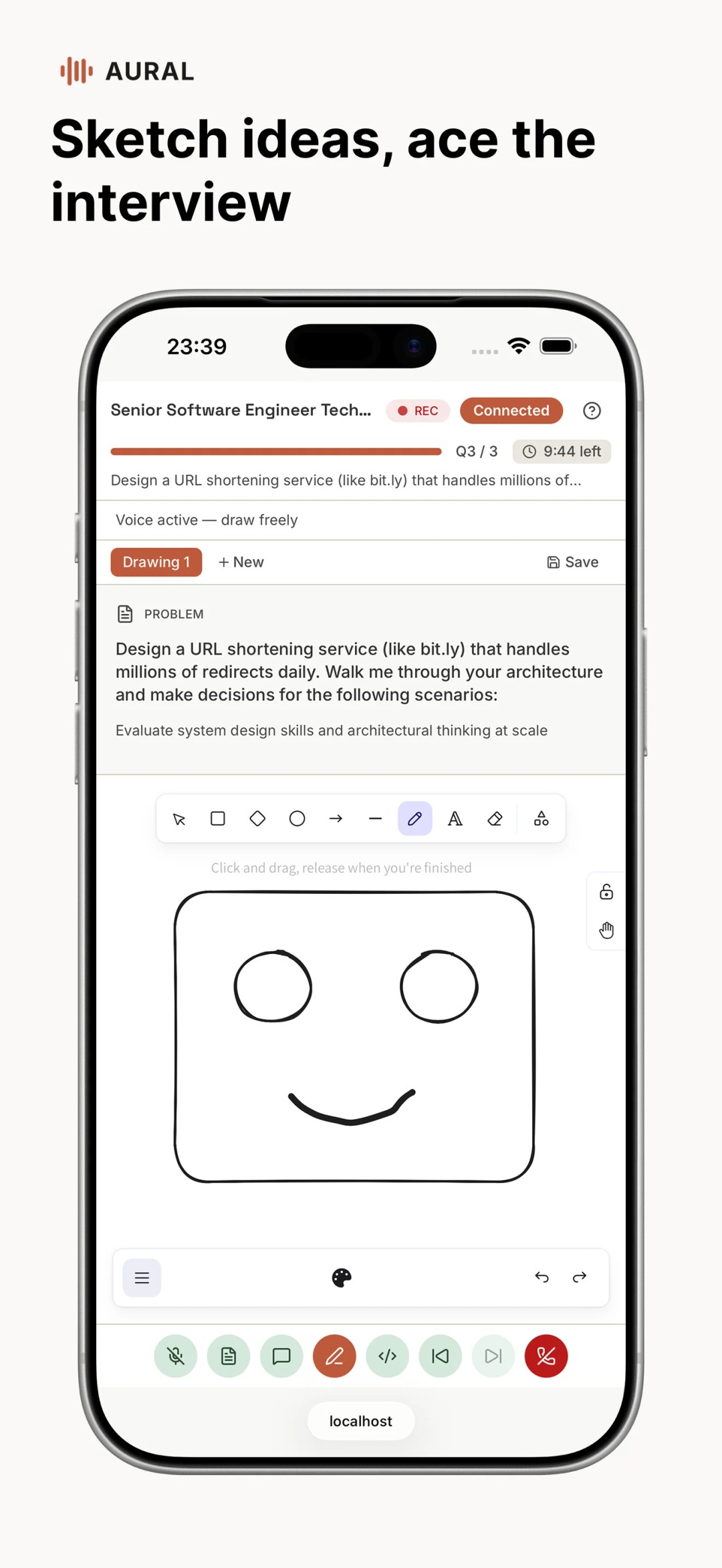
- Whiteboard support — even the collaborative whiteboard works on mobile for technical interviews.
Built for the Small Screen
We didn't just shrink the web UI. The mobile app was designed from the ground up with touch interactions, swipe gestures, and compact layouts in mind. Tables become scrollable cards. Long forms break into focused steps. The interview experience itself adapts to portrait mode without losing functionality.
Performance was a priority too. The app loads fast, caches aggressively, and works smoothly even on mid-range devices and slower connections.
How to Get Started
- Download Aural from Google Play
- Sign in with your existing Aural account (or create one)
- All your interviews, candidates, and settings sync automatically
If you're already using Aural on the web, there's nothing to migrate. Your data is the same — the app is just a new way to access it.
Update: iOS Is Now Live
The iOS app is here! Read the announcement or download it from the App Store.
Try It Out
Whether you're a hiring manager reviewing candidates during your commute, a researcher collecting responses in the field, or someone practicing for your next big interview, Aural on mobile makes it all more accessible.
Download it now on Google Play and let us know what you think.