Direct answer
AI interview anti-cheating uses browser and session signals to discourage or detect behavior such as tab switching, paste attempts, page departures, or multi-screen use. These signals should support human review, not replace it.
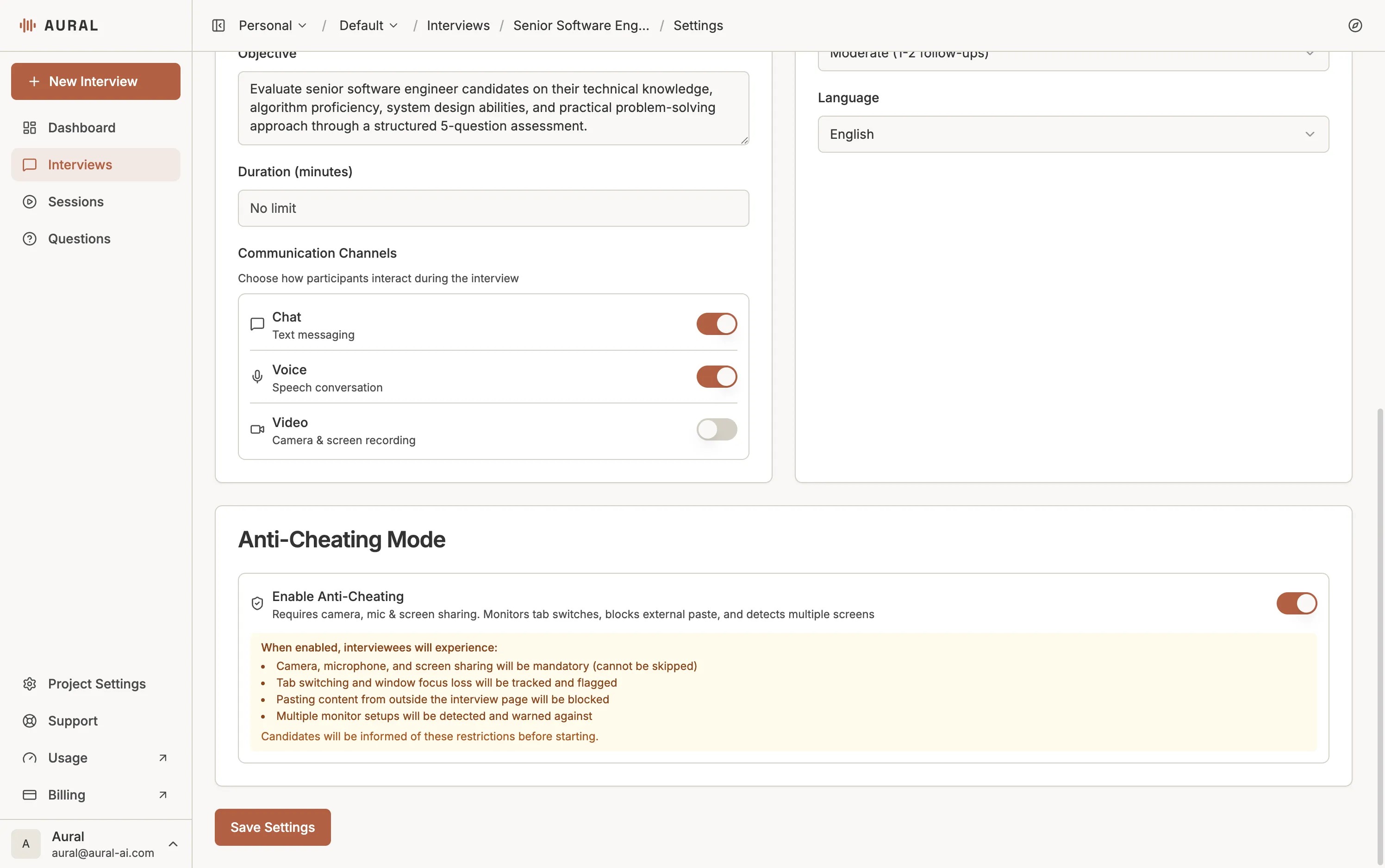
Assessment integrity matters most when an interview influences a hiring, certification, or promotion decision. Teams need confidence that the response reflects the participant’s own work. But monitoring can become unfair if every signal is treated as proof.
What Anti-Cheating Can Monitor
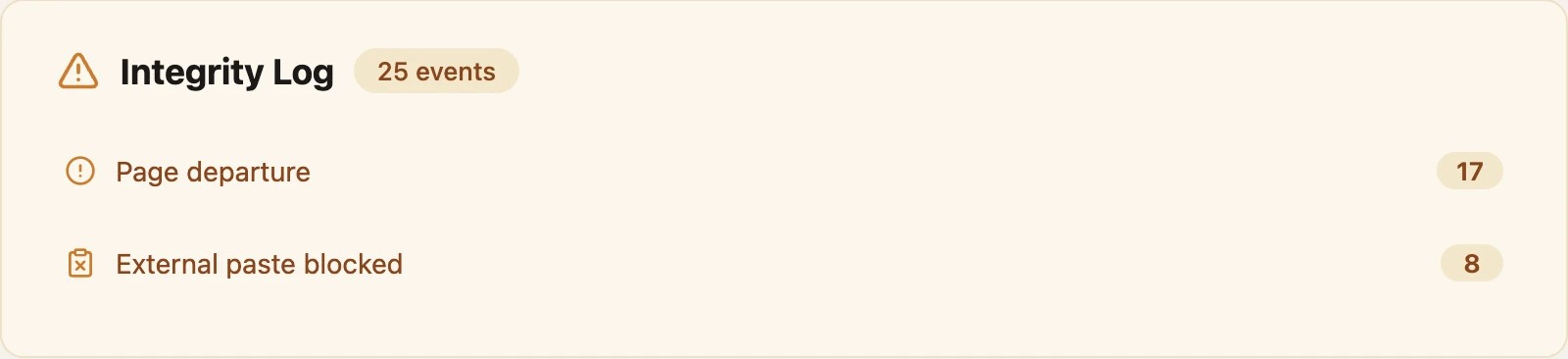
- Page departures: Leaving the interview tab during a monitored session.
- Paste attempts: Pasting text into contexts where original answers matter.
- Multi-screen signals: Browser or display signals that may indicate extra screens.
- Integrity timeline: A post-session log that reviewers can inspect.
How to Use Signals Fairly
Integrity logs are context. They are not a verdict. A participant may leave the page because of a browser permission prompt, accessibility tool, network issue, or device constraint. Teams should explain what is monitored before the session and review logs alongside the transcript, answer quality, and role requirements.
When to Enable It
Anti-cheating controls are most useful for coding interviews, knowledge checks, certification-like assessments, and high-stakes first-round screens. They are usually less important for exploratory user research, feedback interviews, or low-stakes practice sessions.
Read the related documentation: AI Interview Anti-Cheating.