For Everyone
Account and Security
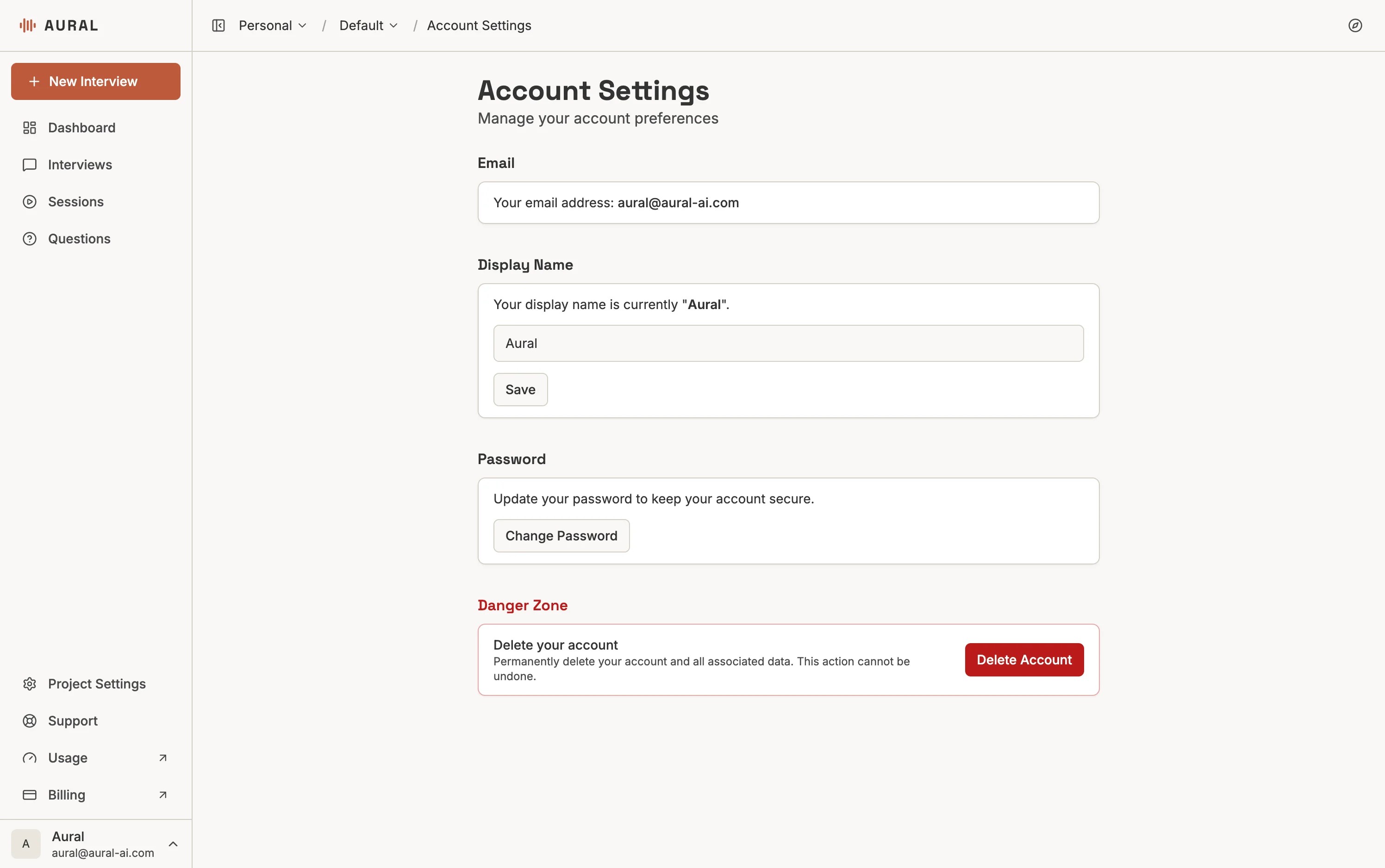
Manage your Aural profile settings, update or reset your password, enable security features, and learn how your data is handled and protected.
Profile Settings
Access profile settings from the account menu to update:
- Display name — shown in the dashboard and on shared interviews
- Email — used for login and notifications. Changing it triggers a verification step.
- Avatar — upload a JPEG or PNG profile picture
- Preferences — notification settings, language, and timezone
Password Management
Go to account settings, enter your current password, then your new password twice. Use a strong password with a mix of letters, numbers, and symbols.
Forgot Your Password?
Click "Forgot password" on the login page and enter your email. You'll receive a reset link that expires after a short period. After resetting, you can log in immediately.
Security note
If you did not request a password reset, change your password immediately and review your account activity.Data Privacy and Security
- Storage — data is stored in Supabase with Row Level Security (RLS), ensuring users can only access their authorized data
- Encryption — all data is encrypted in transit (TLS) and at rest. Passwords are hashed.
- Access control — database access is restricted and audited
Learn more: Privacy Policy · Security · Cookie Policy