Quick Start: Your First AI Interview
A step-by-step walkthrough to create your first AI interview on Aural — from defining goals and questions to sharing the interview link.
Create Your First Interview
This walkthrough takes you from zero to a shareable AI interview in a few minutes.
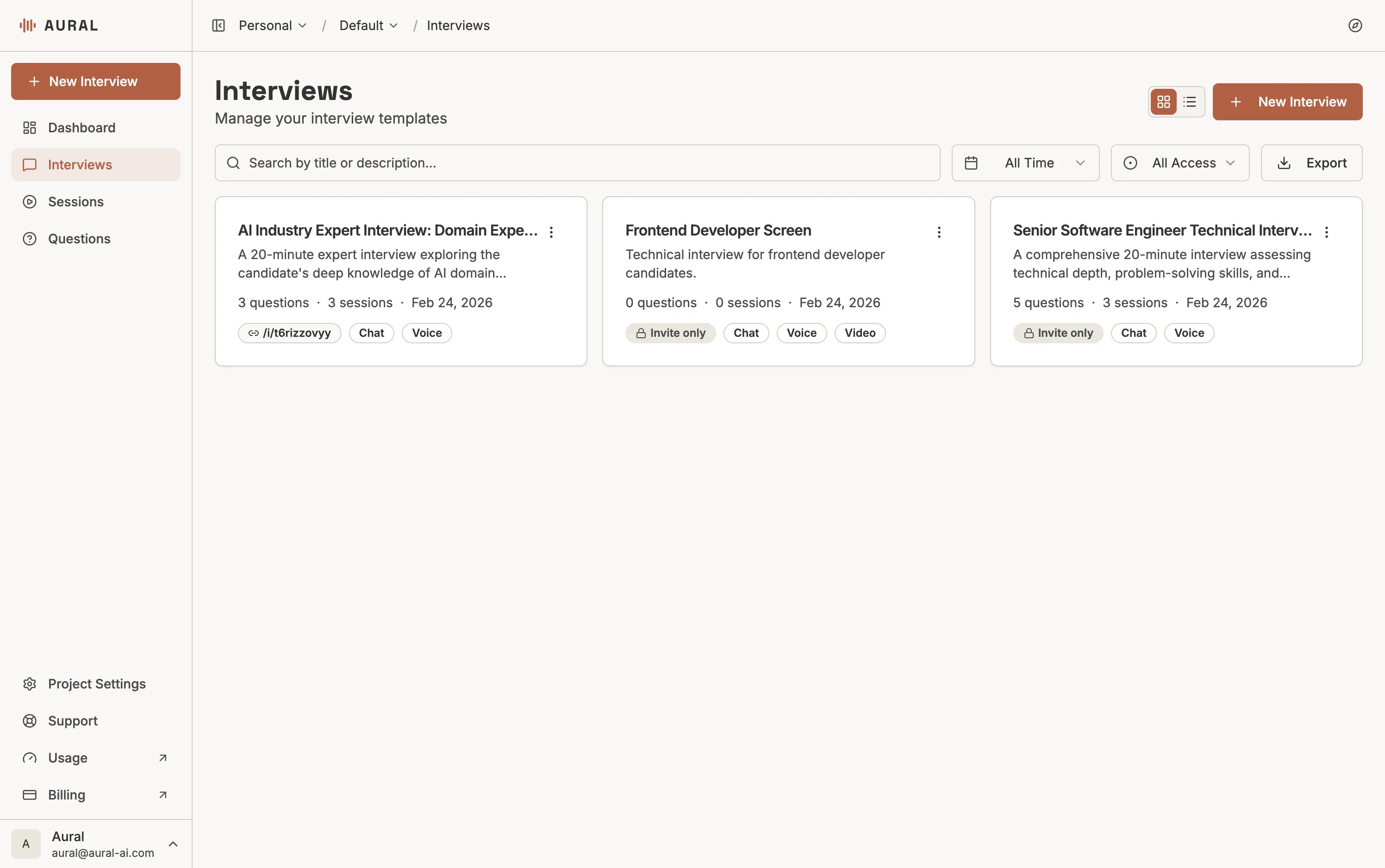
Click "New Interview"
From the Interviews page, click the + New Interview button in the top right.
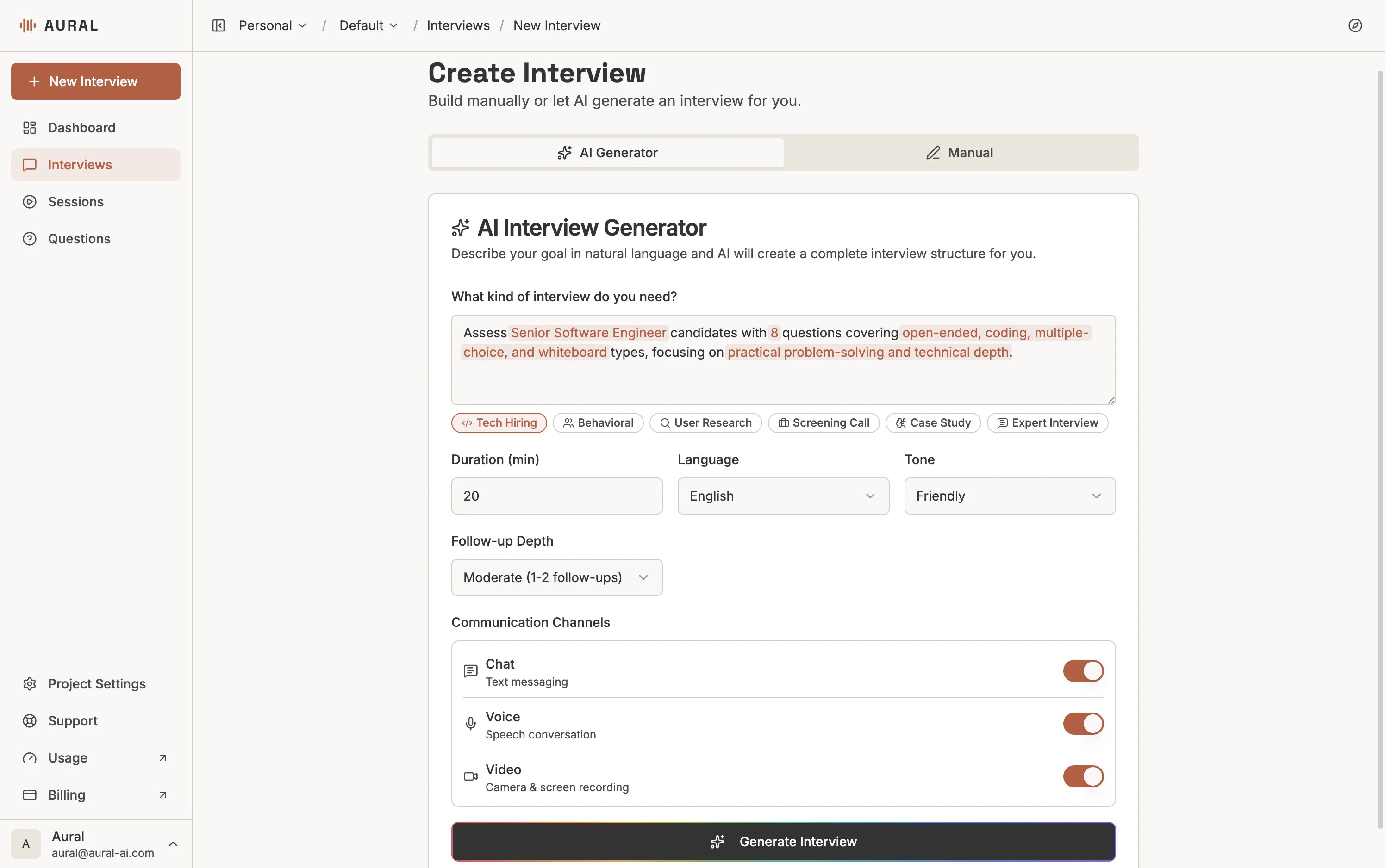
Describe Your Goals
On the AI Generator tab, describe what you want to assess. For example: "A 30-minute technical interview for a frontend developer, covering React, TypeScript, and system design."
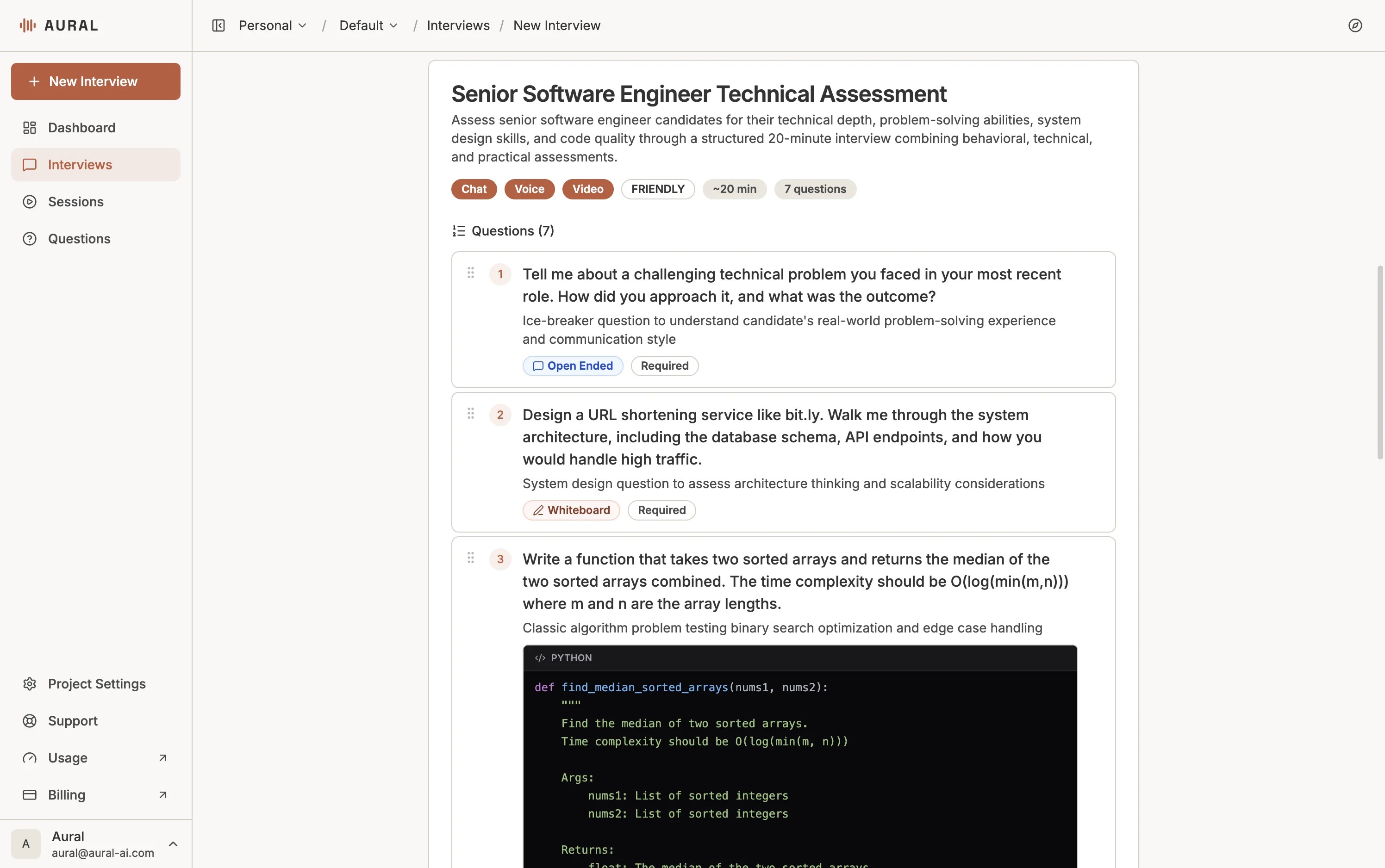
Review and Edit Questions
The AI generates questions tailored to your description. Review, edit, reorder, or add more on the Content tab.
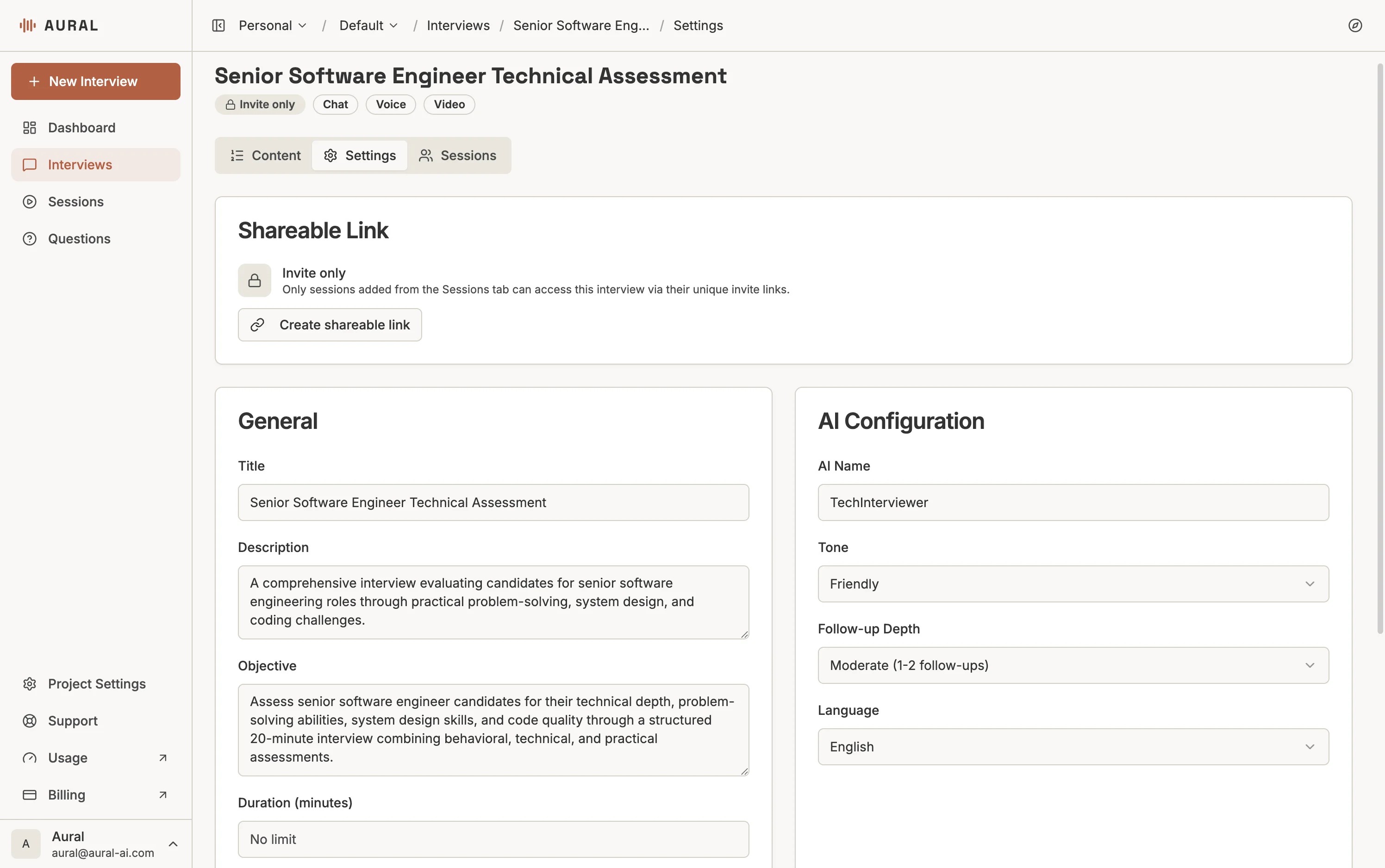
Configure Settings
On the Settings tab, set the AI tone, follow-up depth, language, and communication channels.
Add Candidates and Share
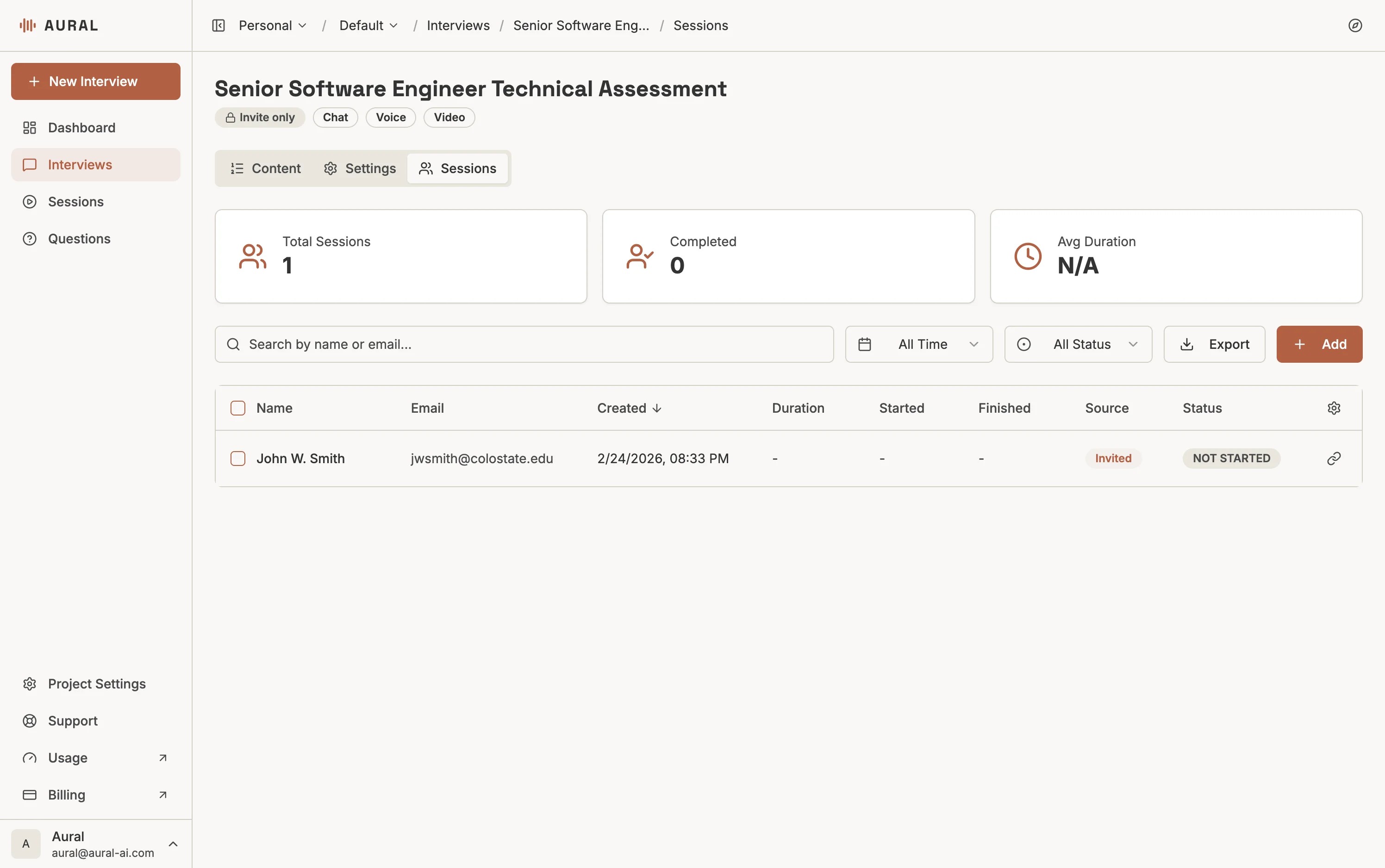
Go to the Sessions tab to add candidates by name and email. Copy their invite link to share.
Pro tip
Be specific in your description — mention the role, skills, duration, and number of questions for the best AI-generated results.