For Creators
Creating an Interview
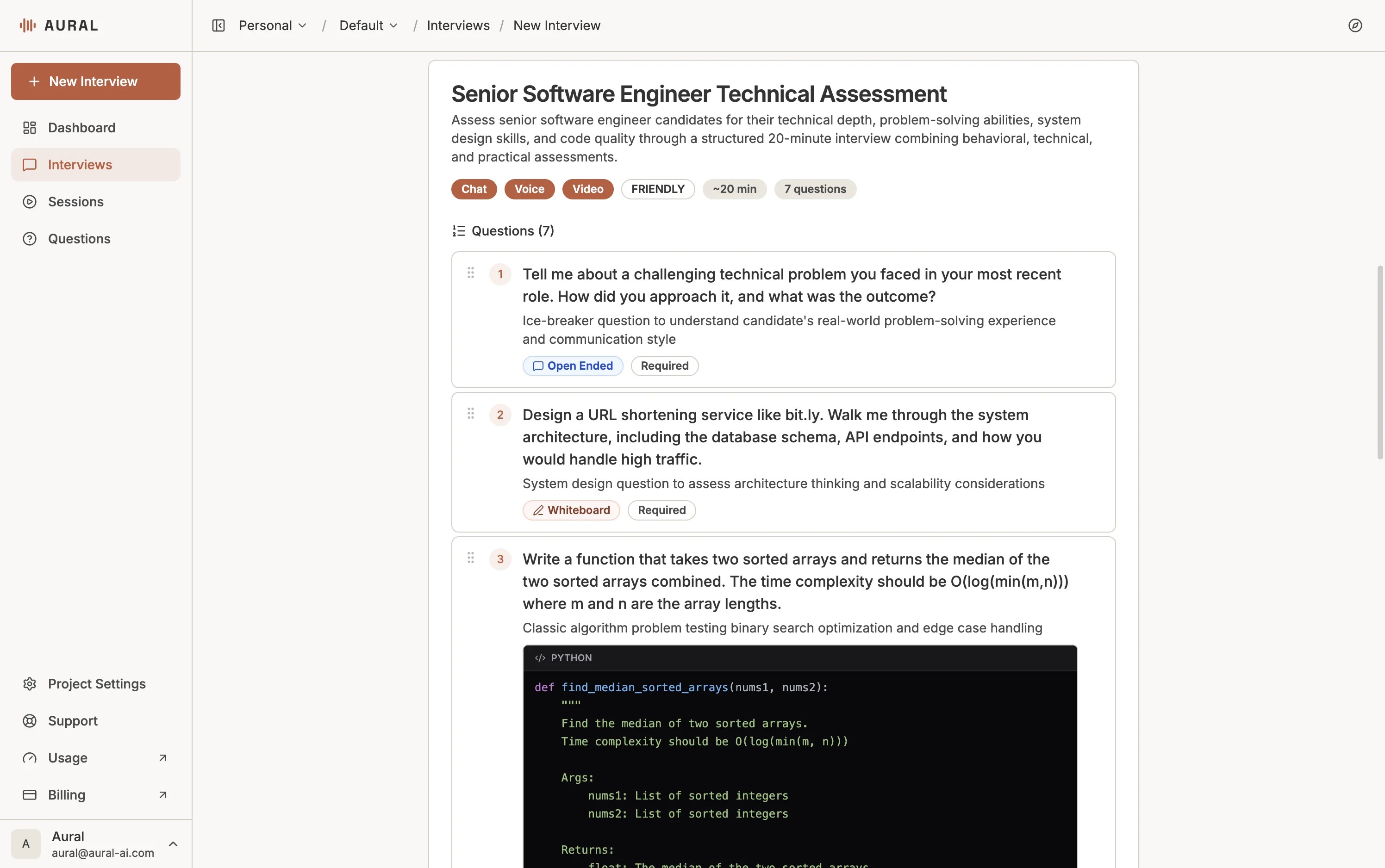
Create an interview on Aural using the AI generator for instant setup or build one manually — set the title, choose channels, and add questions.
AI Generator
Describe what you want to assess in natural language — the role, skills, duration, and any constraints. The AI generates a complete interview with questions, types, and assessment criteria.
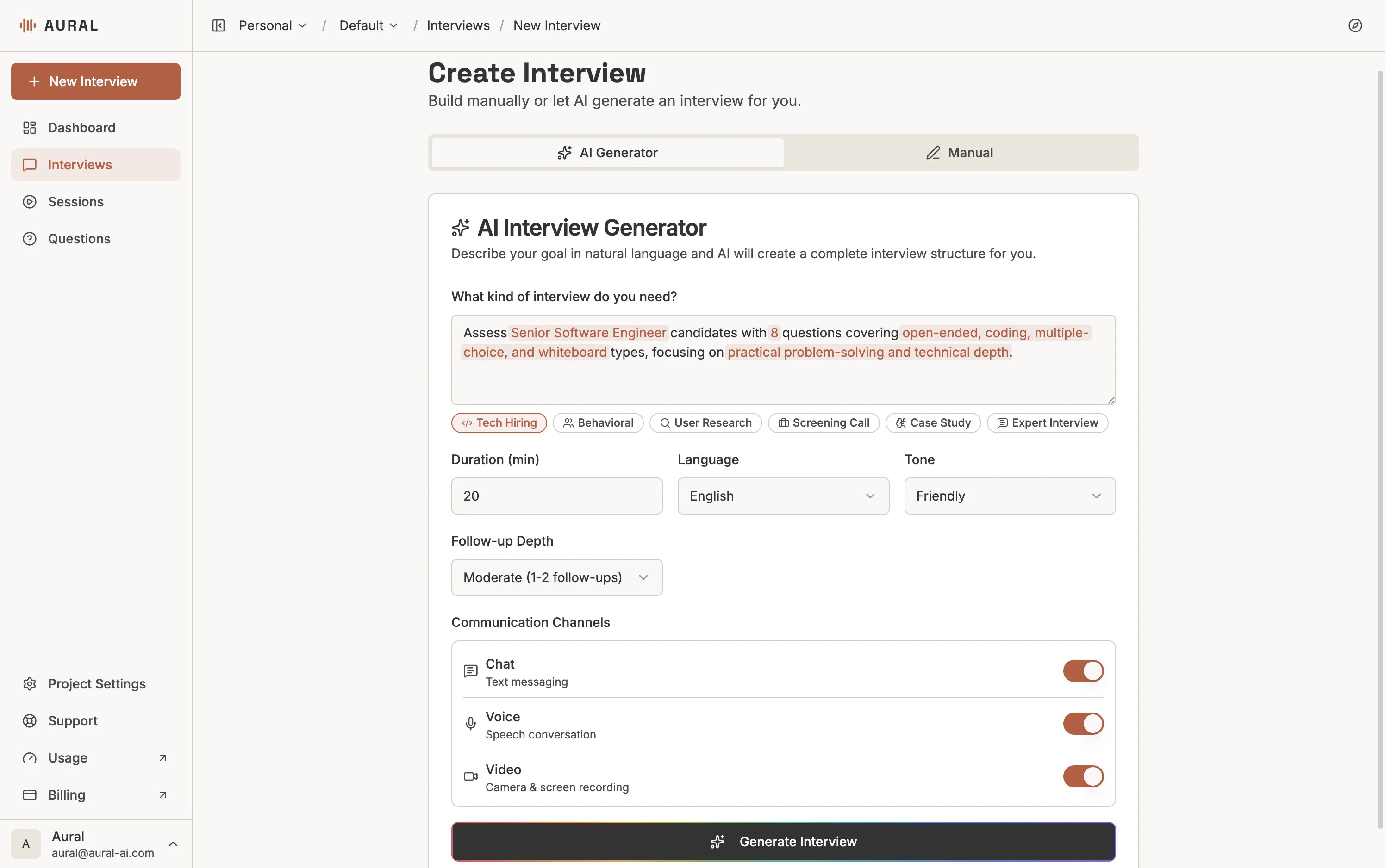
Writing a Good Prompt
Include:
- Role and context — who is this interview for?
- Skills to assess — what topics should the questions cover?
- Duration and scope — how long should it take? How many questions?
- Format preference — should it include coding tasks, whiteboard, etc.?
Example: "A 20-minute technical interview for a backend engineer, covering API design, database optimization, and error handling. Include one coding question."
After generation, you can refine in natural language — ask for more depth, different question types, or a shift in focus. Each round builds on the previous version.
Manual Creation
For full control, switch to the Manual tab. Set a title, description, objective, and expected duration, then select channels.
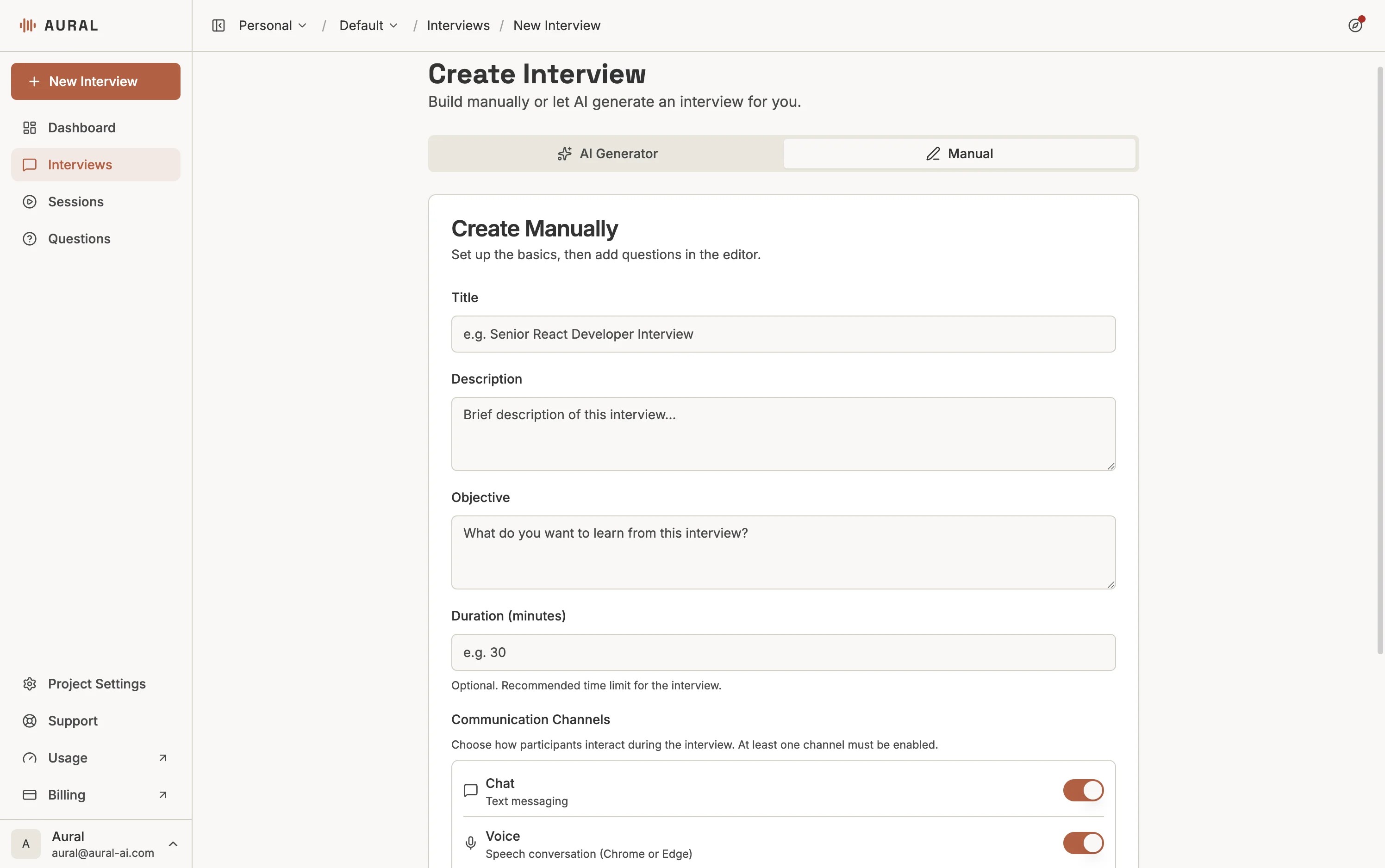
Voice
Real-time speech-to-speech conversation with the AI interviewer.
Chat
Text-based Q&A where the candidate types responses.
Video
Camera and screen recording alongside voice interaction.
After creating the interview, add questions in the editor. You can also import from your question library.