For Creators
Usage and AI Tokens
Track your organization's resource consumption in Aural — understand AI token usage, session hour limits, and how costs are calculated per plan.
Usage Dashboard
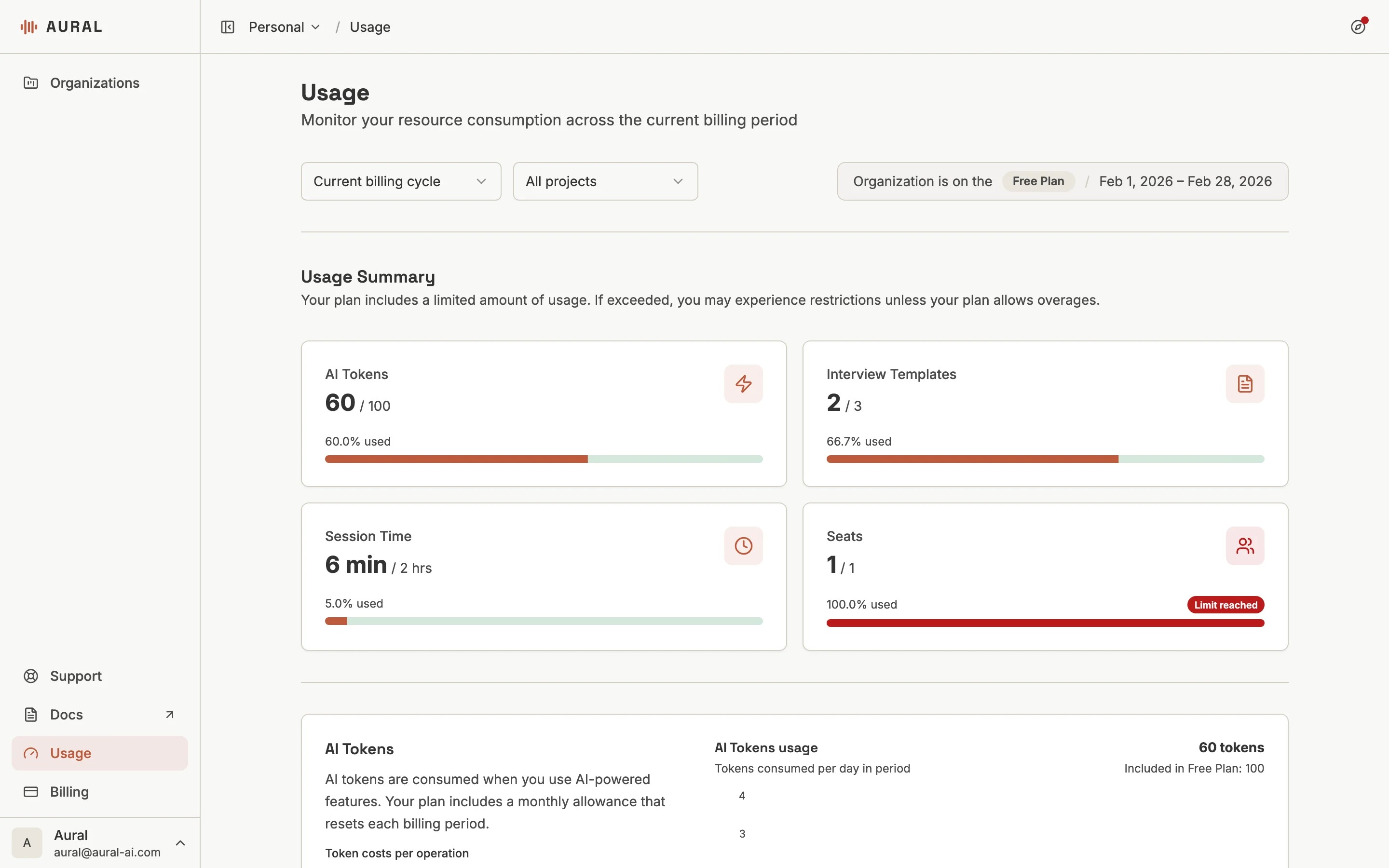
The Usage page gives a real-time view of your resource consumption for the current billing cycle.
What Counts as Usage
- AI Tokens — consumed by question generation (1/question), resume parsing (5/resume), report generation (20/report), practice grading (10/answer), and practice suggested answers (5/answer)
- Session Hours — total time spent in active interview sessions
- Interview Templates — each interview you create counts as one template
- Seats — each team member with access to the organization counts as a seat
What Happens at the Limit
All plans can continue beyond their included allowance when the organization has enough credit balance. Overage usage is billed from that balance; you can add credits by redeeming a code or topping up on the Billing page.
Credits
Credit balance is shown at the top of the Billing page. When your included tokens run out, overage charges draw from this balance automatically.Practices
Practice sessions do not bill session time. Only AI coaching actions consume tokens: grading a submitted practice answer costs 10 AI tokens, and generating a suggested answer costs 5 AI tokens.