Account and Dashboard
Sign up for Aural, create your organization, invite team members, and learn how to navigate the dashboard to manage interviews and projects.
Sign Up
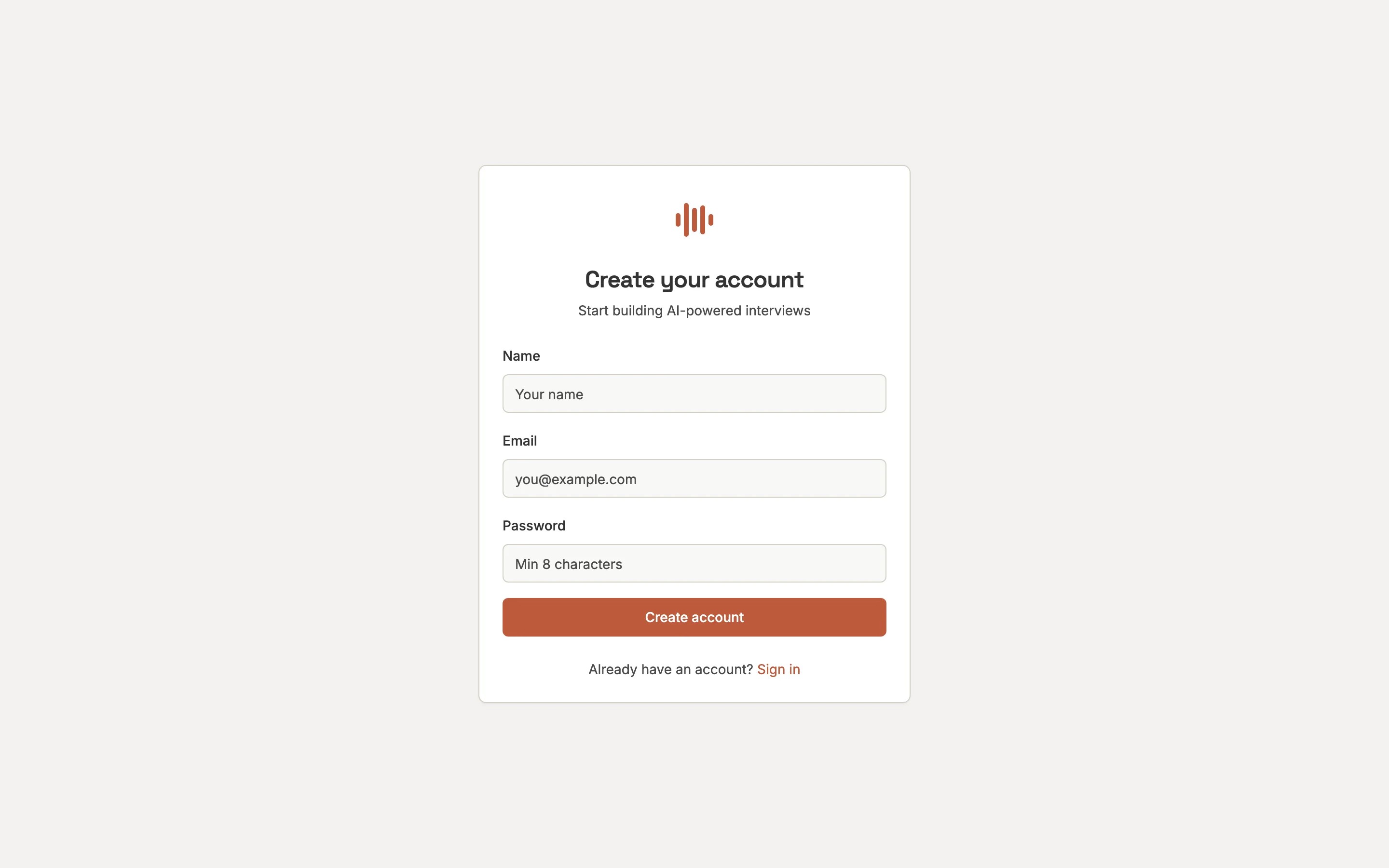
Go to /register and enter your name, email, and password. You can also sign up with your Google account.
Verify Your Email
Click the link in the verification email to confirm your address.
Create or Join an Organization
Organizations group your projects and team members. Create one or join an existing one via invite link.
Create Your First Project
Projects contain your interviews, sessions, and question library.
Dashboard
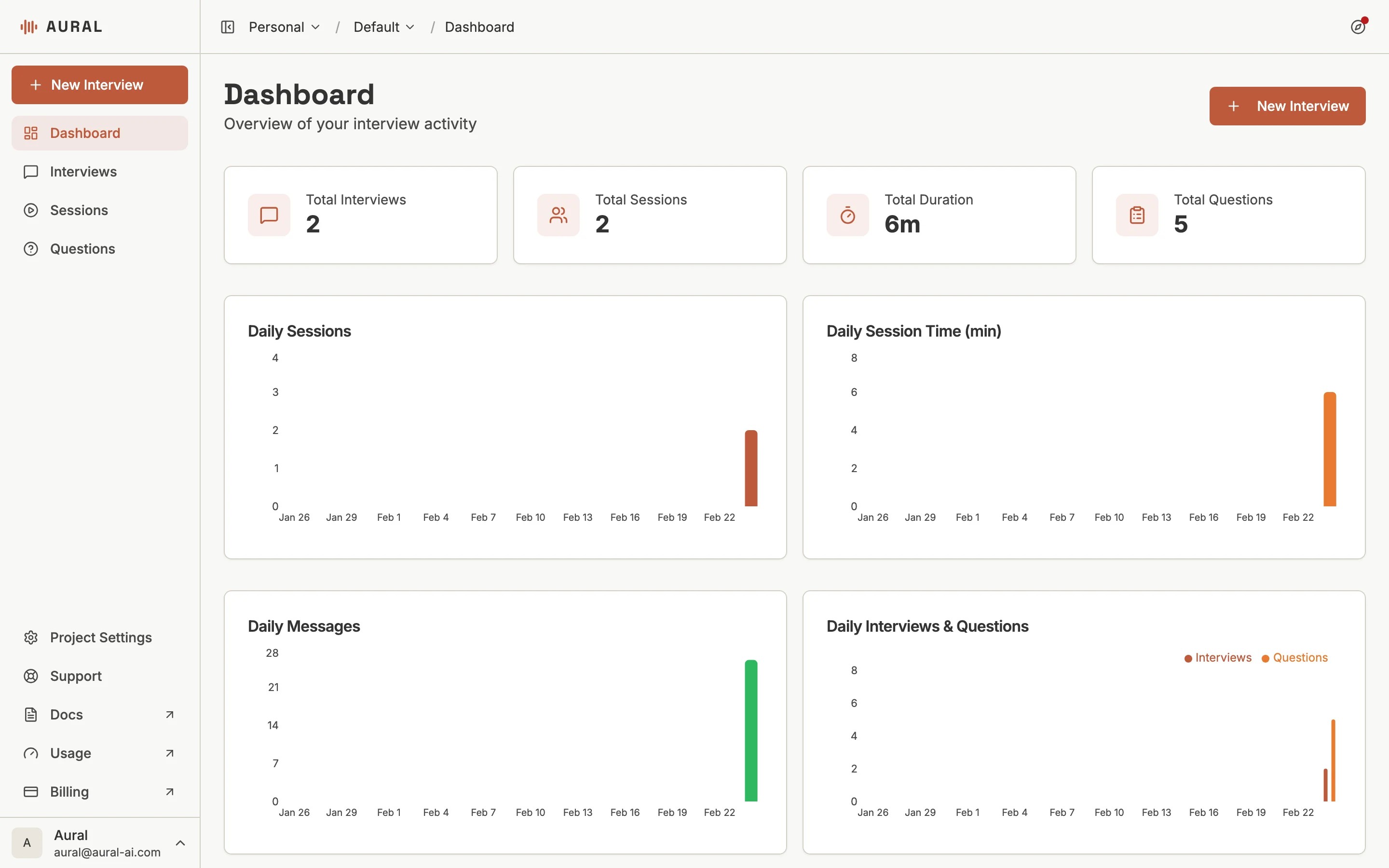
The dashboard is your home screen — it shows activity metrics, recent sessions, and quick actions.
Sidebar Navigation
- Dashboard — Activity overview, recent sessions, and quick actions
- Interviews — Create and manage interview templates
- Sessions — View and track individual interview sessions
- Questions — Browse and reuse your question library
Organization Pages
Organization-level pages are accessible from the sidebar:
- Usage — Monitor AI tokens, session hours, and template usage
- Billing — Manage your subscription and payment
Switching Projects
Use the project selector at the top of the sidebar to switch between projects. Each project has its own interviews, sessions, and settings.