Interview Settings
Configure your interview's shareable link, AI interviewer tone, follow-up question depth, language preferences, and other advanced settings.
The Settings tab lets you configure how the interview is accessed, how the AI behaves, and which channels are enabled.
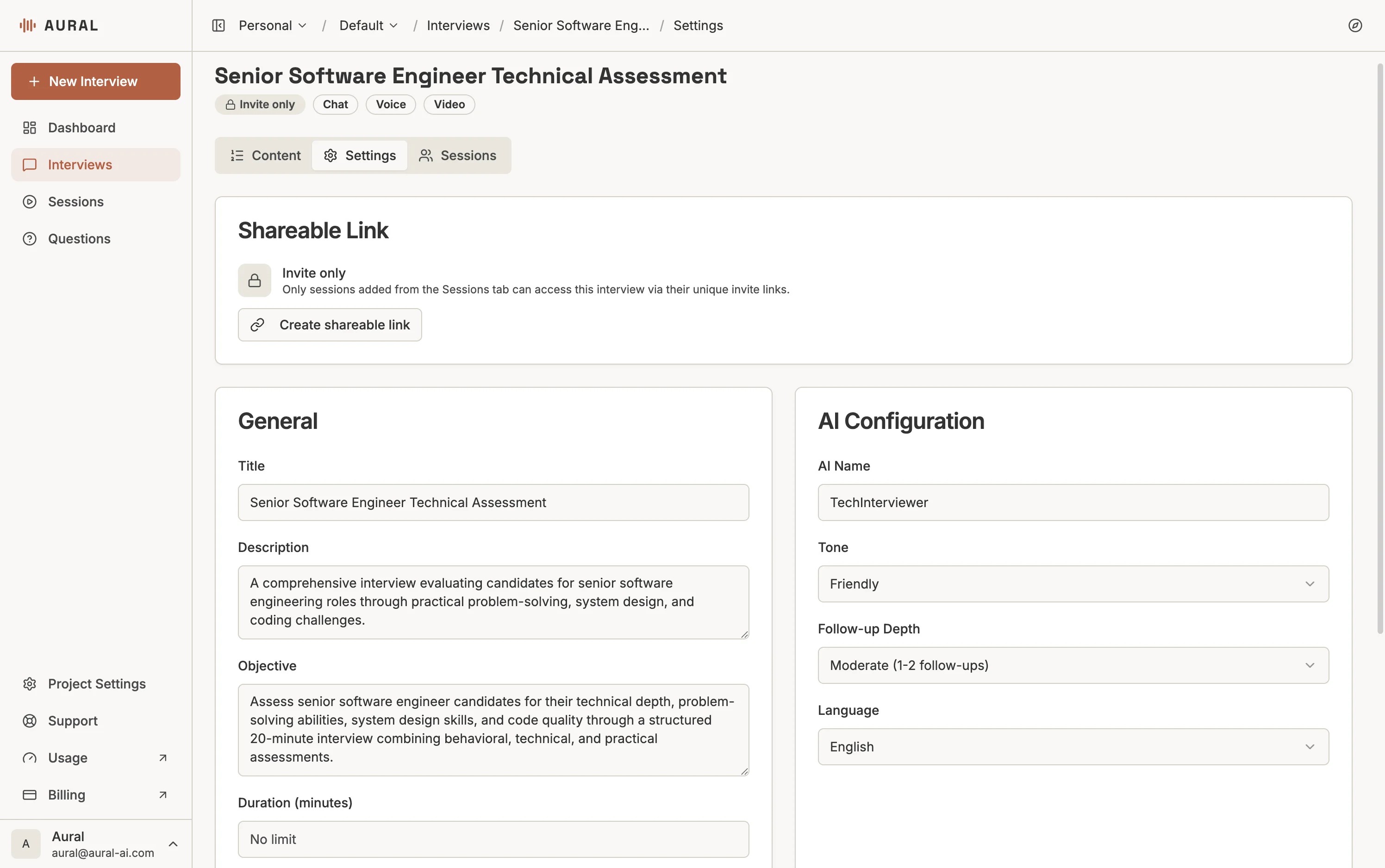
Shareable Link
By default, interviews are invite-only — only candidates you add on the Sessions tab can access the interview via their unique invite links.
To allow open access, click Create shareable link. This generates a public URL that anyone can use to start a session. You can copy the link to share it, or revoke it at any time to switch back to invite-only mode.
General
- Title — the interview name shown to candidates and in your dashboard
- Description — internal notes for your team about the interview's purpose
- Objective — what you want to learn from candidates (used by the AI to guide the conversation)
- Duration — time limit in minutes. Leave empty for no limit.
Communication Channels
Choose how candidates interact with the AI. At least one of Chat or Voice must be enabled.
Chat
Voice
Video
AI Configuration
- AI Name — the name the AI interviewer uses to introduce itself
Tone
Casual
Professional
Formal
Friendly
Follow-Up Depth
- Light — no follow-ups, keeps sessions short and focused
- Moderate — 1–2 follow-ups per question, a good default
- Deep — 3–5 follow-ups, for thorough exploration of each topic
Language
The AI conducts the session and evaluates responses in the selected language. Currently supported: English and Chinese (中文).